
The iManage Cloud integration allows you to:
- Capture document reading and drafting activity in your Mitimes Activity Feed
- File emails to iManage
- Create and save File Notes to iManage
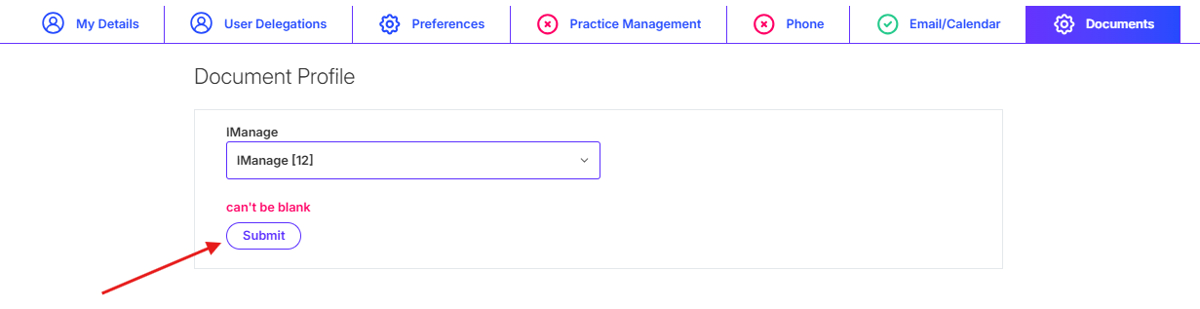
To connect your Mitimes account to iManage Cloud, navigate to the menu in the top right > My Profile > Documents. Select the iManage connector from the iManage drop-down, then click Submit.
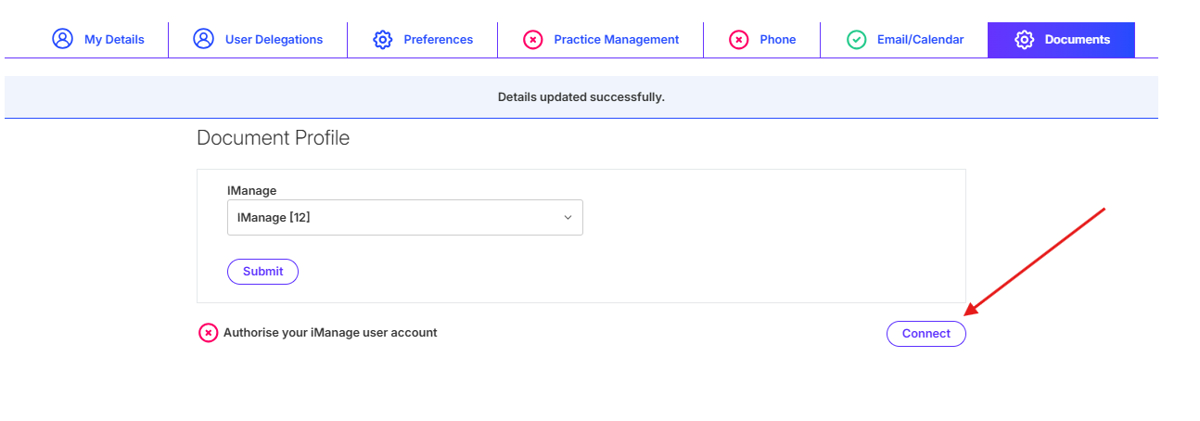
You will then be able to connect to iManage Cloud. To do this click Connect.
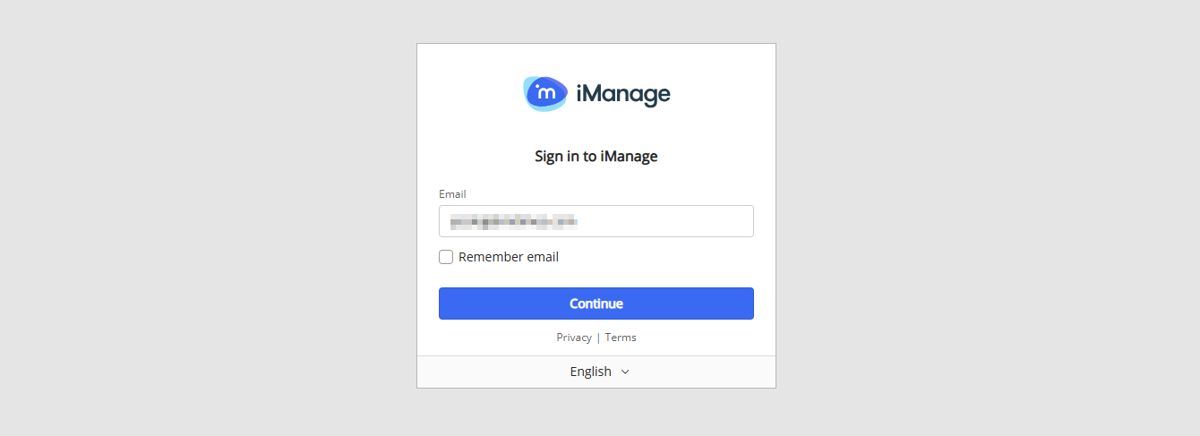
After clicking Connect, you will be directed to iManage to authenticate. Follow the prompts to log in and connect.
After authenticating, you’re all done and will be directed back to your Mitimes timesheet.