
The Webex integration allows you to capture your Webex phone calls as activities in Mitimes
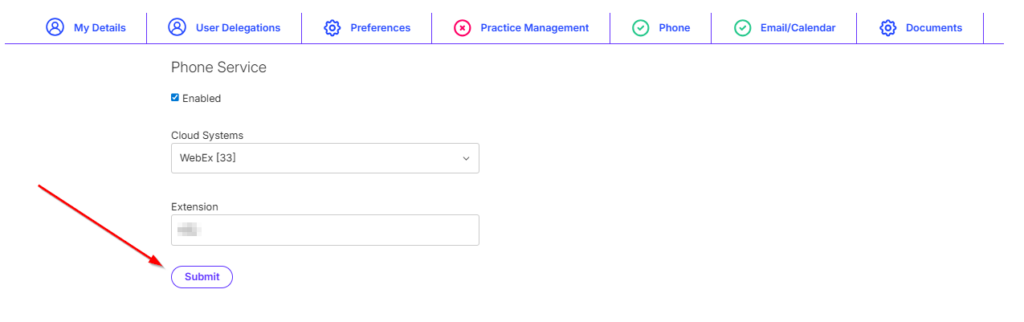
To connect your Mitimes account to Webex, navigate to the menu in the top right > My Profile > Phone > Add Service.

Select the Webex connector from the Cloud Systems drop-down, enter your Webex extension, then Submit.
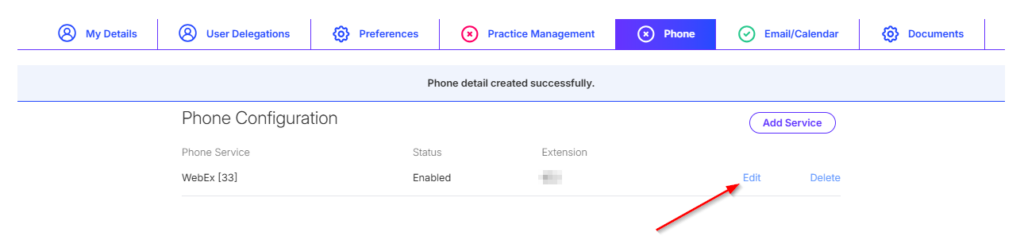
The next step is to authenticate and connect to Webex. Click Edit on the phone service.
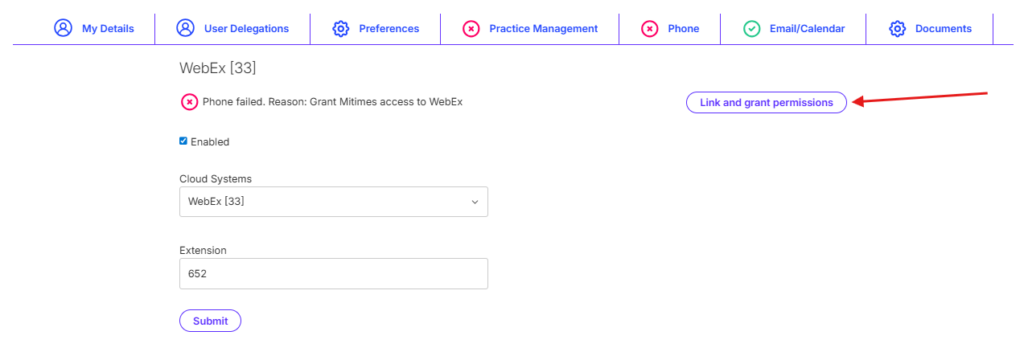
Next, click Link and grant permissions.
You will then be directed to Webex to authenticate. Follow the prompts to log in.

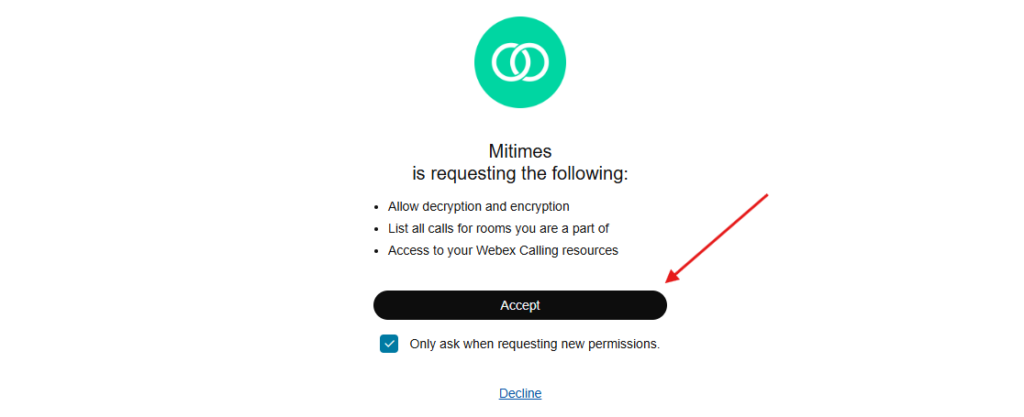
After authenticating, you will be prompted to grant permissions. Click Accept.
After granting permissions, you’re all done and will be redirected back to your Mitimes timesheet.