Overview
Mitimes has added a Contacts page, allowing you to easily manage contacts (including upgrading/downgrading) separately from the Activity Feed.
How it works
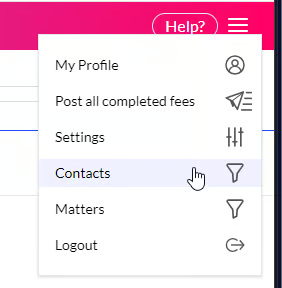
The Contacts page can be accessed from the menu > Contacts.
Here, a view will be presented where you can view, search, filter and sort contacts, allowing you to see which contacts have been upgraded, downgraded, or left unspecified (neither upgraded nor downgraded).
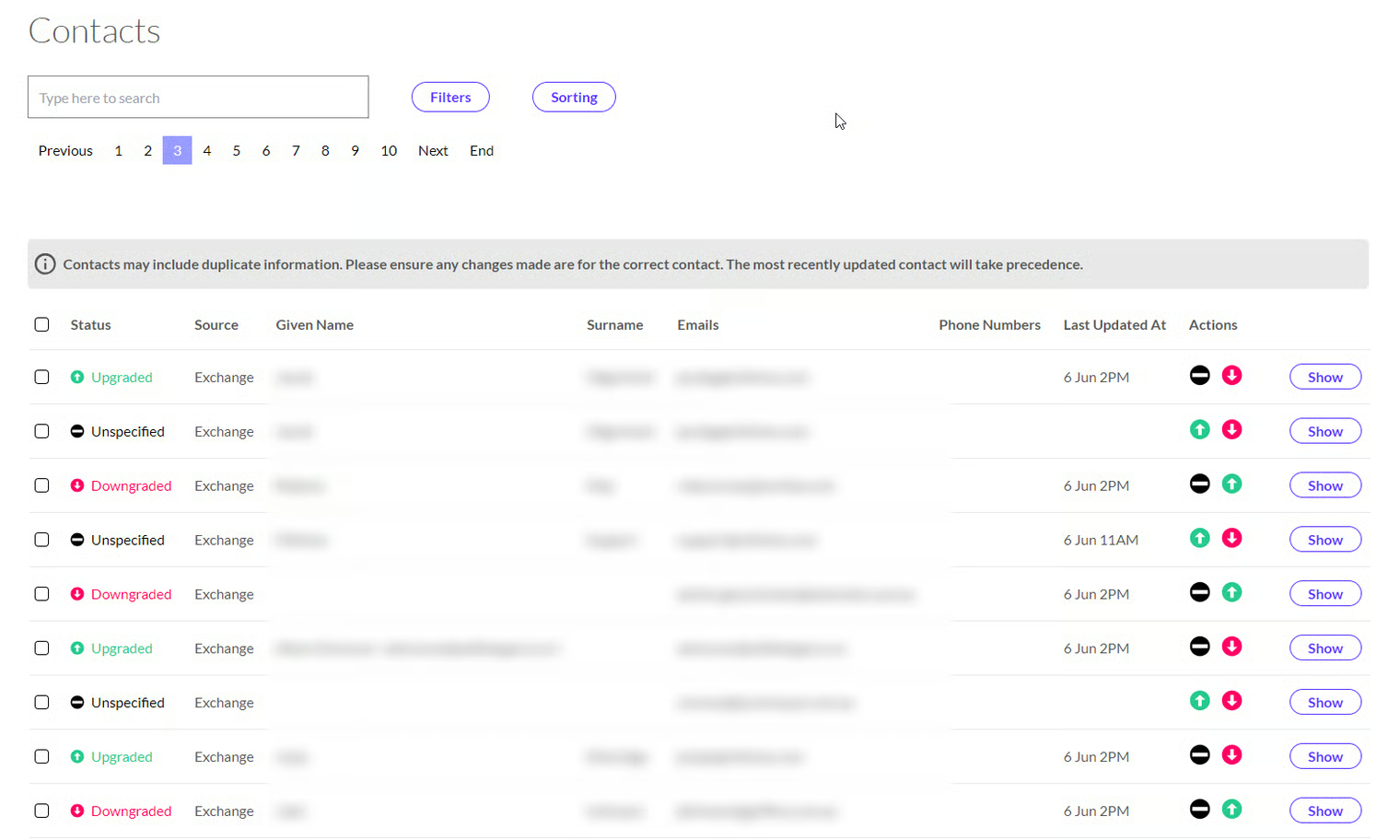
The Action buttons can be used to upgrade/downgrade a contact or make them neutral (unspecified).

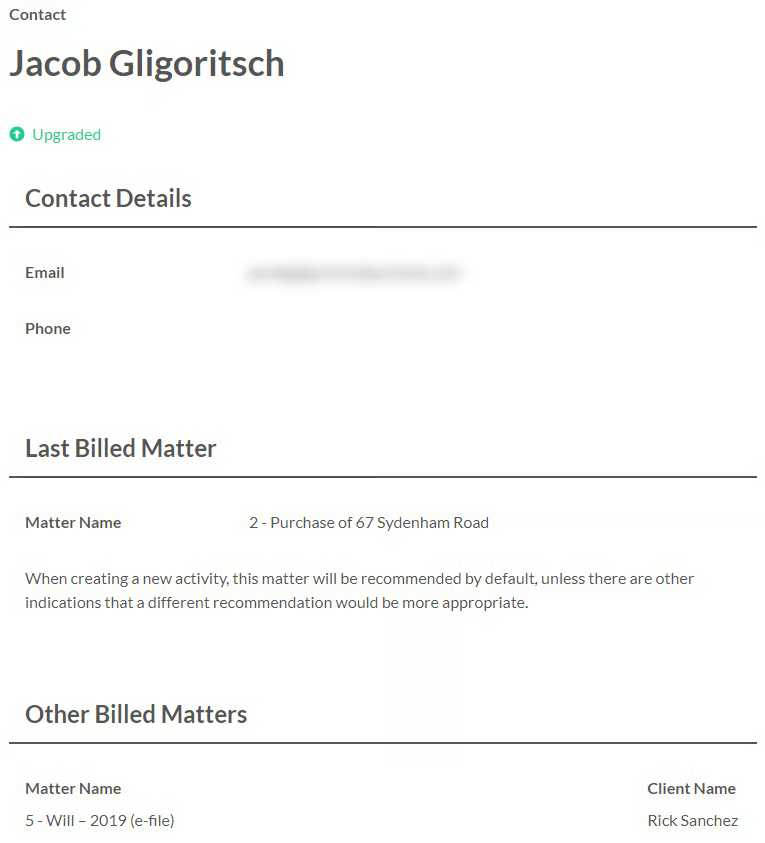
Further information about a contact can be accessed by clicking Show.

This view will show the most recently billed matter for the contact, and their other billed matters.
NOTE: If you have multiple contacts with the same email address or phone number, when an activity comes in, it will be assigned to the most recently upgraded or downgraded contact with that email address/phone number.
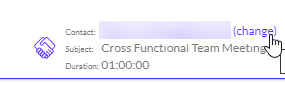
The default contact that is assigned to a time entry can be changed to another contact, with the same email or phone number, using the ‘change’ option shown below.