
Cloning Time Entries
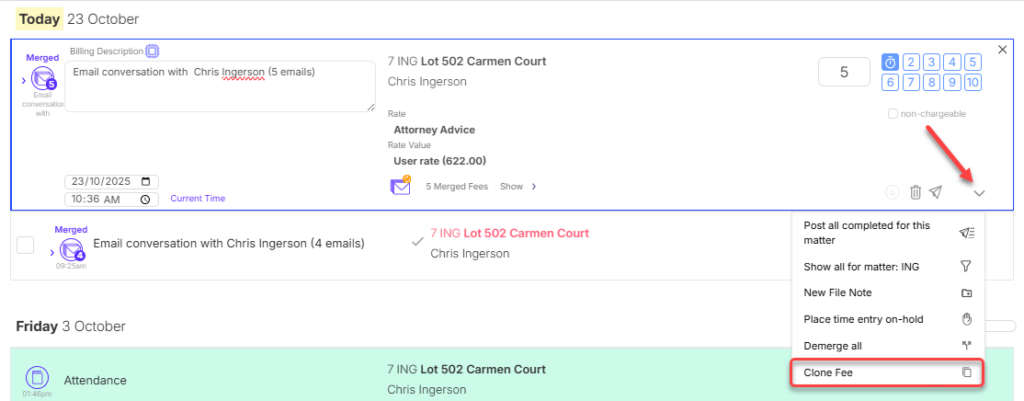
You can clone a time entry in Mitimes from the time entry menu.
Deleting Time Entries
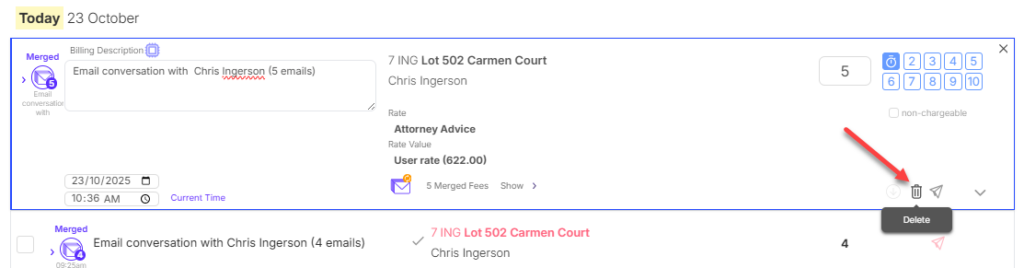
You can delete an unposted time entry, if it is no longer required, using the Bin button.
Holding Time Entries
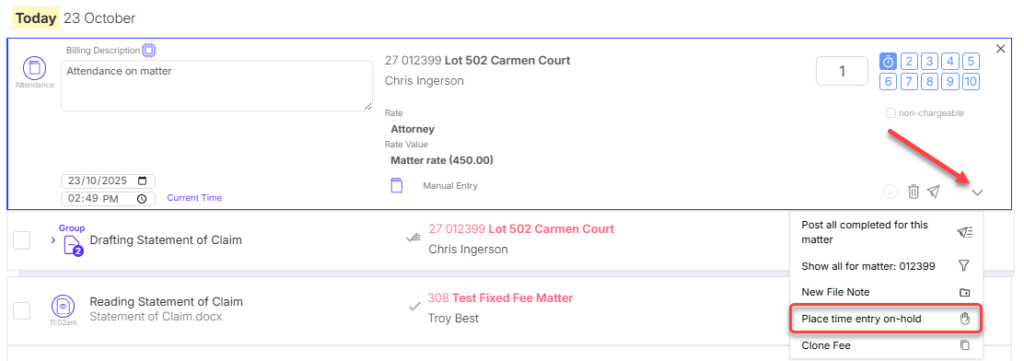
To hold a time entry and prevent it from being posted to your PMS until you take it off hold, click the entry menu and select Place time entry on-hold.
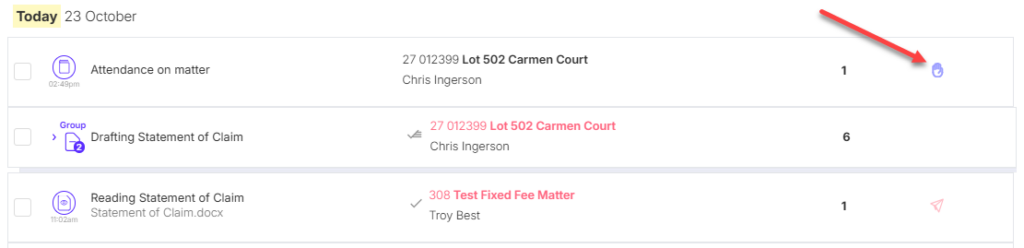
Held entries can be identified from the on-hold icon:
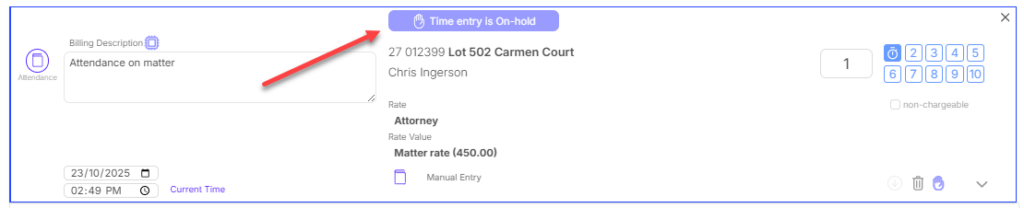
If you open an on-hold entry, there will be a notification at the top of the entry showing that it is on-hold.
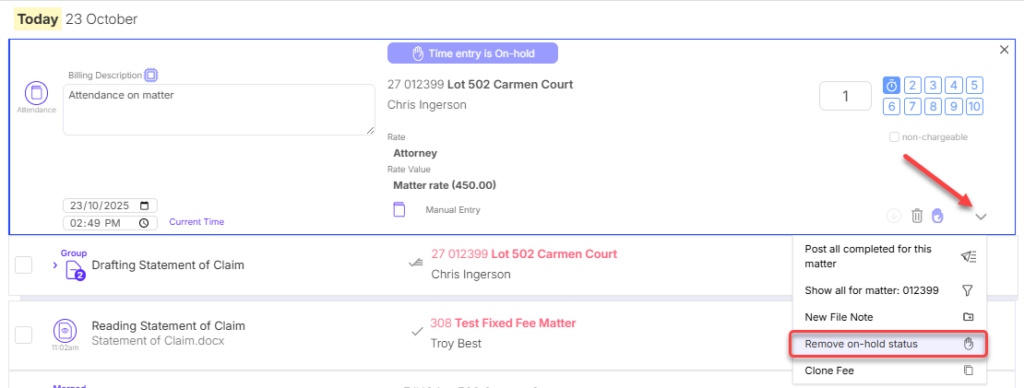
To take an entry off hold when you’re ready to post it, click the fee menu and select Remove on-hold status.
After taking the entry off hold, you will then be able to post it manually, or leave the entry to be posted during the nightly post.