
To connect your Mitimes account to Unity, navigate to the menu in the top right > My Profile > Practice Management > Link & grant permissions.
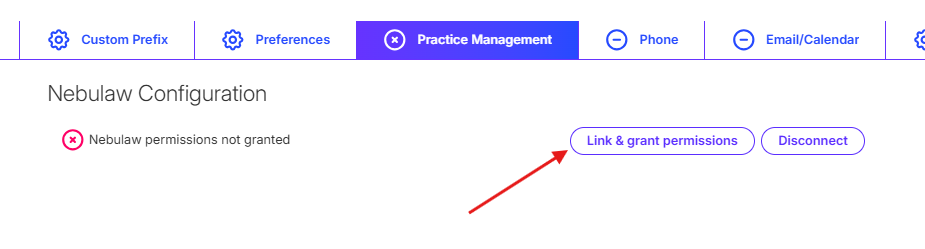
If you are not connected to Unity, you will see a notification at the top of your timesheet. You can also Link & grant permissions from the notification.

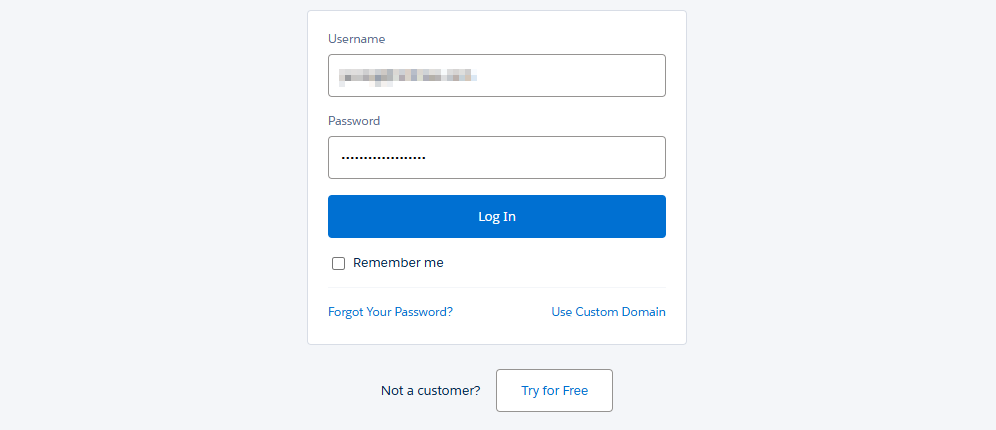
After clicking Link & grant permissions, you will be directed to Unity to authenticate. Enter your Unity username and password and log in.
After authenticating, you’re all done and will be redirected back to your Mitimes timesheet.